For professionals
Online booking for professionals: clients book you on their own
With one link, no back-and-forth. Clients see your services, prices and free time and choose a slot that suits them.
Create your profile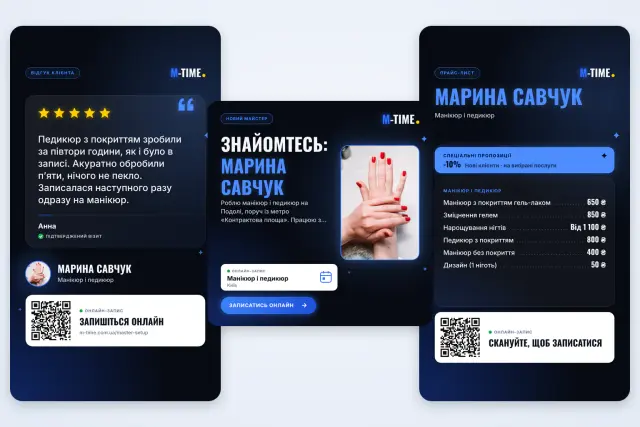
When bookings go through direct messages
- A client sees your work and writes “How much is it?” You reply after an appointment, and she has already booked someone else.
- You agree on a time on Instagram and a reschedule on Viber. To find one booking, you open three chats.
- Someone cancels, and the free hour stays empty: there is no time to announce it and find another client.
How a client books you
Opens your page
From your link, your QR code or the M-TIME feed and search.
Chooses a service, date and time
The page shows only the free slots in your schedule.
Signs in and sends a request
The client signs in with Google, Apple or email, checks the details and sends a booking request.
You confirm the booking
The request appears in your calendar. Once you confirm it, the client gets a reminder before the visit.
3 steps, and clients can book you on their own
Choose your category
Tell clients what you do: manicure, massage, training, lessons or another service.
Add services and working days
Service names and the days you work. Prices, durations and details can wait.
Get your booking link
Sign up and share the link: in your Instagram bio, your Telegram channel or a reply to “How much is it?”
What you get
A booking page
Your services, prices and free time on one page. Clients choose a service and a time and send a request, which you confirm.
Social media materials
M-TIME builds a post, a price list story, a review story, a QR code and a website booking button from your profile. Each one leads to your booking page.
Reminders and a calendar
Clients get a reminder ahead of the visit and another one an hour before it starts. Requests and confirmed bookings sit in one calendar.
Honest reviews
Only a client whose visit took place can leave a review, and only one per profile.
Which services it suits
Beauty
Manicure, brows, haircuts: the client picks a treatment and a time that is free in your schedule, with no direct messages.
Beauty professionals in the directoryEducation and tutoring
Students or parents choose a lesson time themselves, and a reminder before the lesson goes out without a message from you.
Online lessons in the directoryHome and repair
Plumbing, electrics, cleaning: when you visit the client, they enter the address while booking.
Home service professionals in the directoryHealth and sport
Massage, training, consultations: the client books a free hour on their own, without calls or messages.
Health and sport professionals in the directory
Demo profile
What it looks like
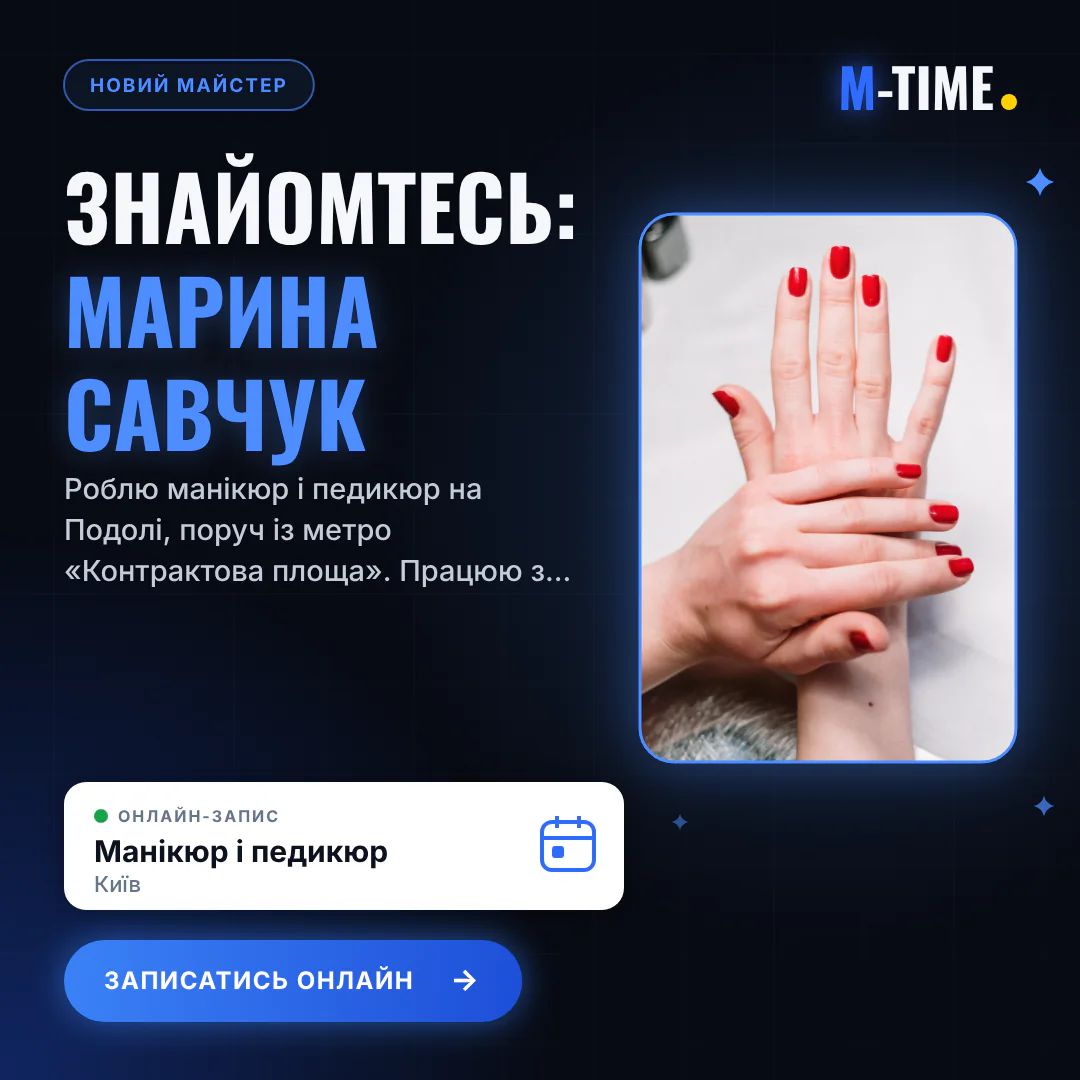
Social media post 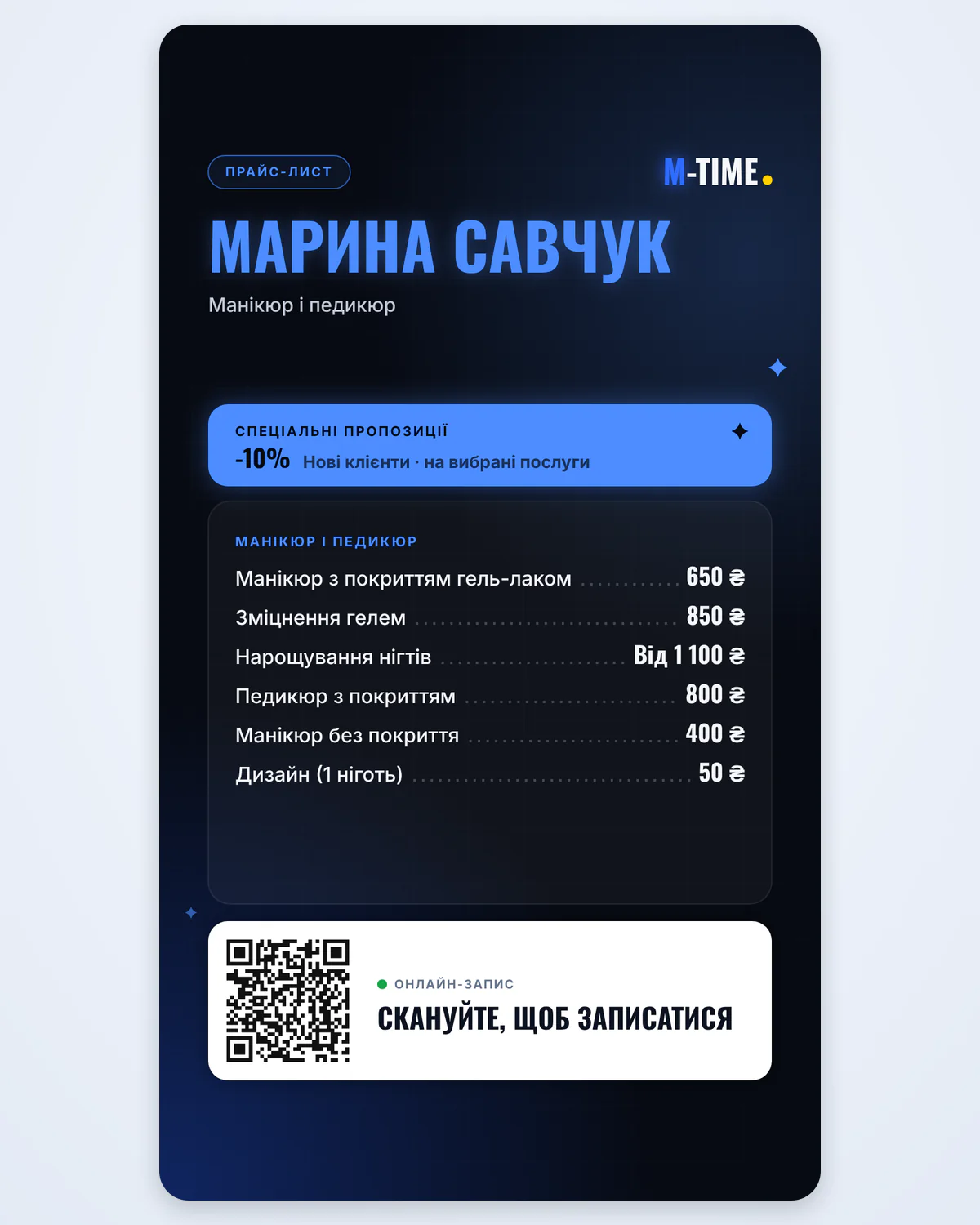
Price list story 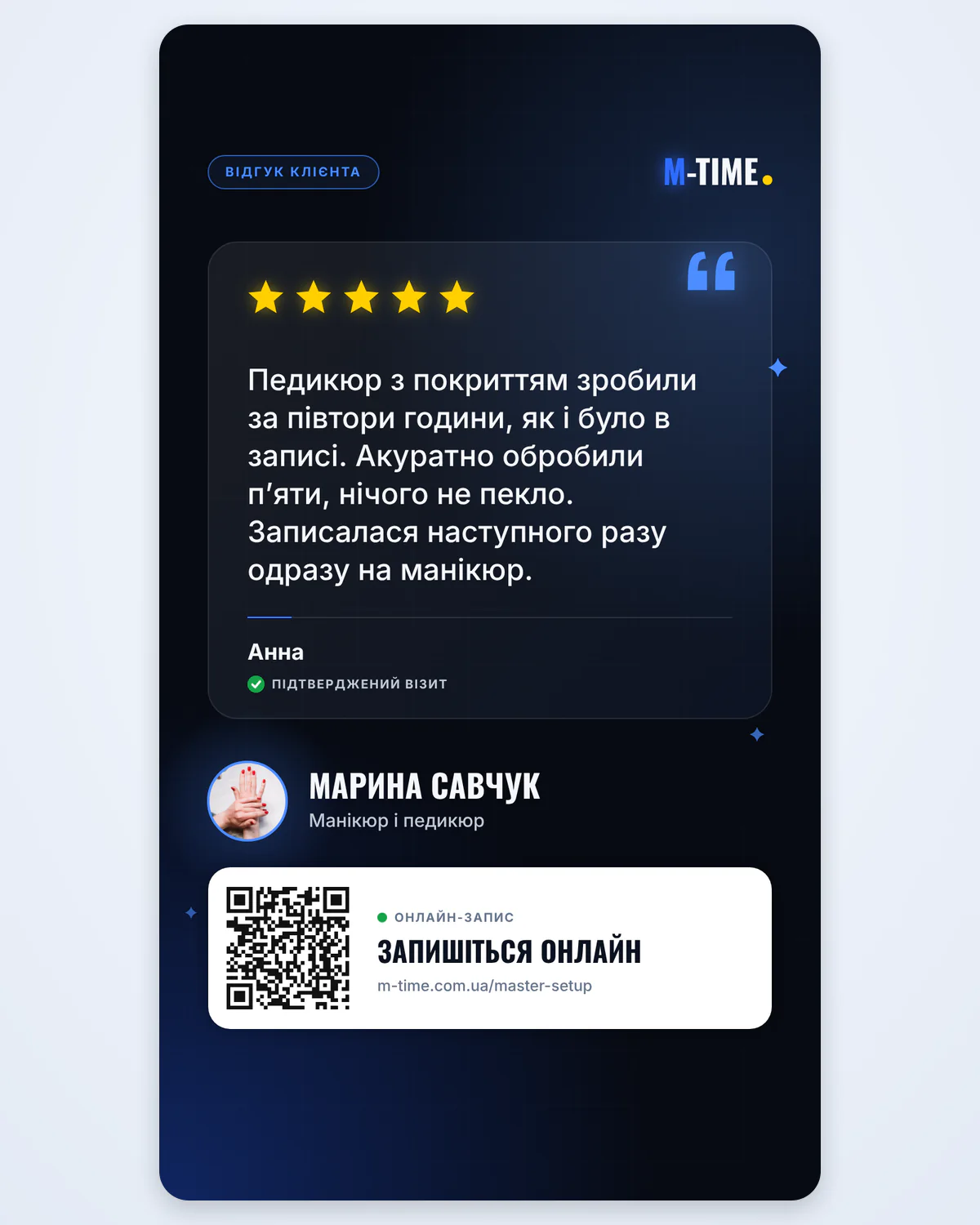
Review story 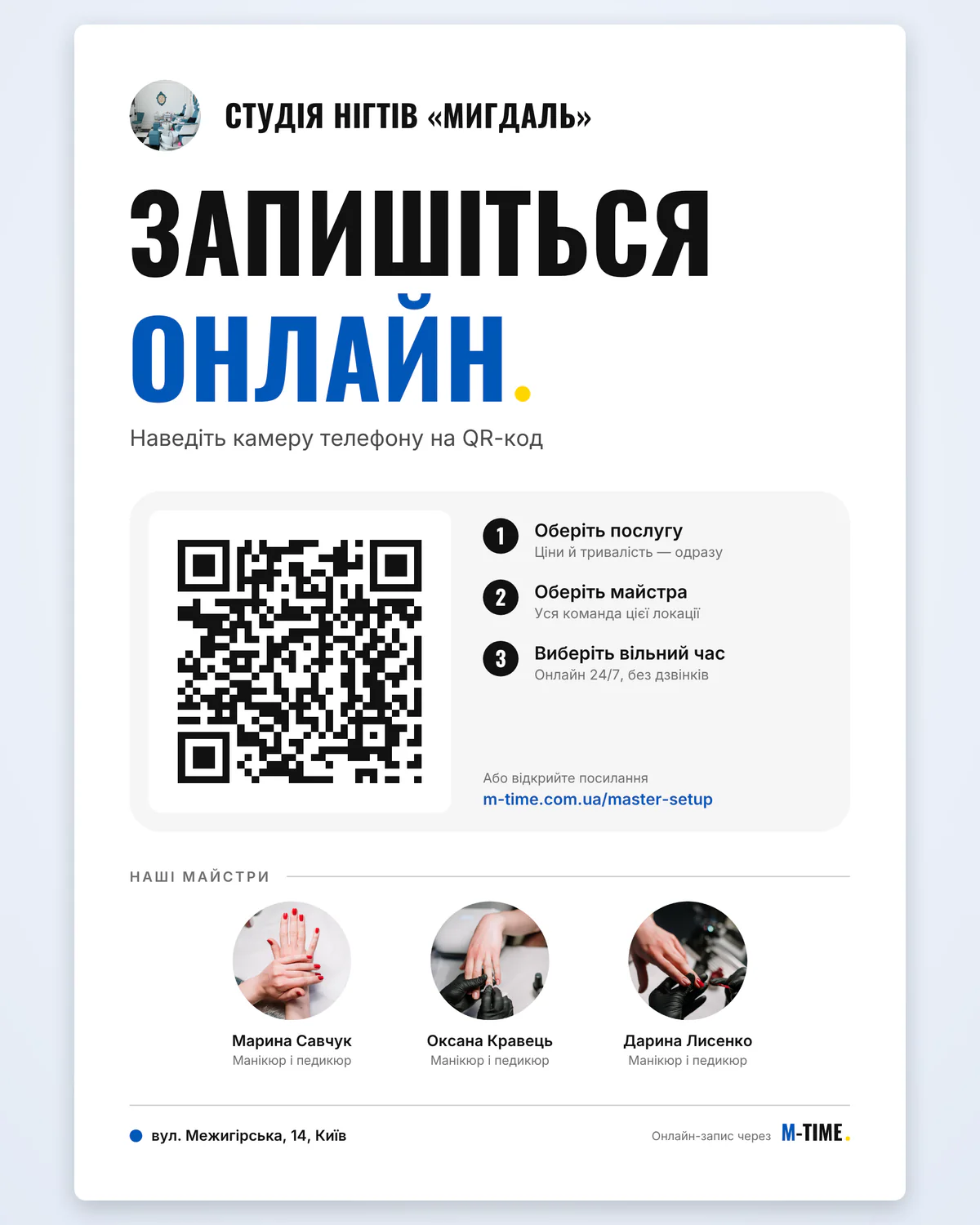
QR poster for a salon
The demo profile’s name, services, prices and review are made up. Photos: Anna Avilova and Atikah Akhtar, Pexels.
Questions and answers
How will clients find me on M-TIME?
An active profile appears in the M-TIME feed and search for your category and city, and on the map once you add an address. You can also share your booking link yourself: on social media, in messengers or on your website.
Can I change my services and schedule later?
Yes. You change services, durations and working days in your settings at any time, and your booking page shows the updated details.
How does a client book me?
The client opens your link, chooses a service and a free time and sends a request. You confirm it in the app. For individual services with a fixed or “from” price, you can turn on automatic confirmation.
Does it work for a salon or a studio?
Yes. In your settings you can create a company, add locations and services and invite professionals to the team. A company profile opens for bookings once the team has at least two professionals. Each location can get a QR poster.
How do reviews work?
Only a client whose visit took place can leave a review, one per profile. You can share a five-star review in a story with a “Verified visit” badge.
Further reading
How to keep client bookings organised
Prices, available times and cancellations get lost in chats. A practical guide to organising client bookings with M-TIME.
Read articleHow to promote yourself on social media as a professional
Clients compare several professionals before they book. Six M-TIME tools that take people from a post, a story or a QR code straight to your booking page.
Read article
Start with one link
Choose your category, add services and working days, then share the link with your clients.
Create your profile